
Limelight
Native macOS screen recorder with auto-zoom and on-screen keystrokes
- Free
- Web
What is Limelight?
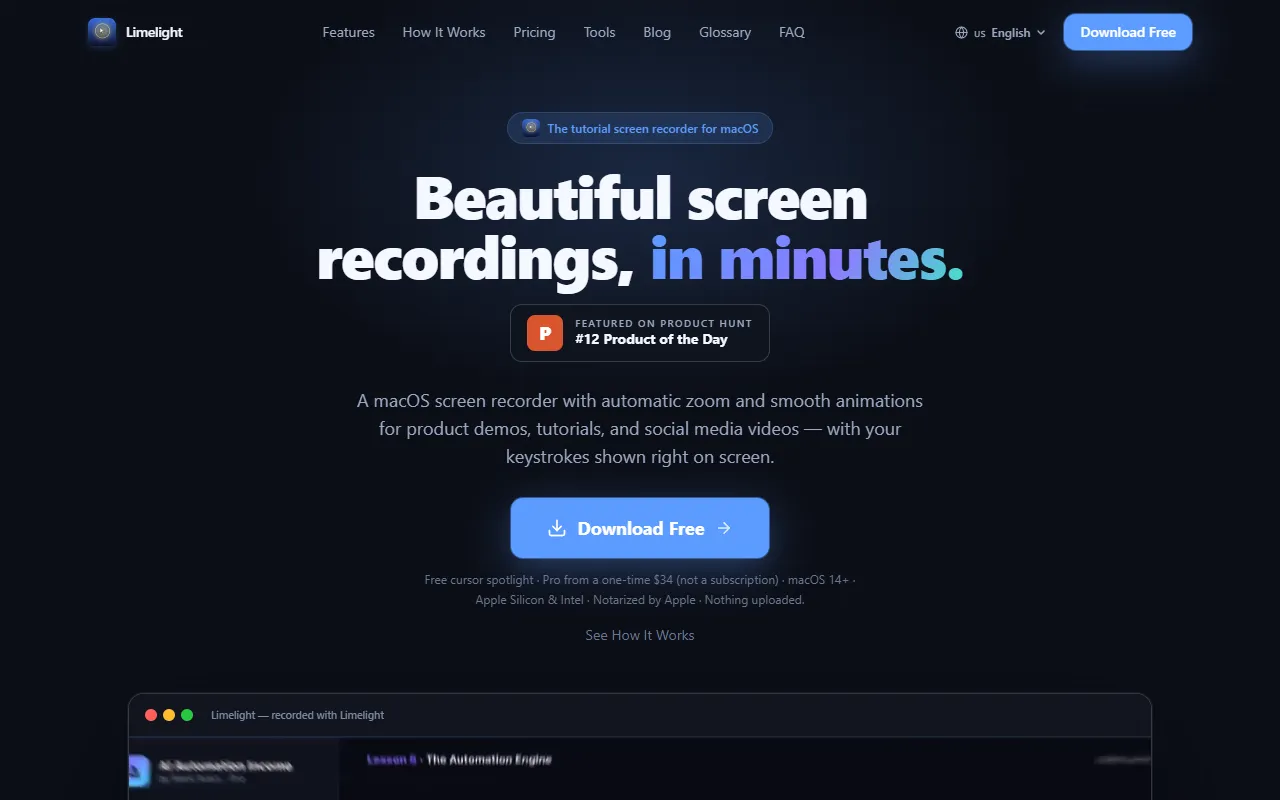
Limelight is a Screen Recording tool. Native macOS screen recorder with auto-zoom and on-screen keystrokes. Limelight is free to use. It is available on Web App and macOS. It is aimed at educators, content creators and software developers.
A native macOS screen recorder that automatically zooms into every click, smooths cursor tracking, and displays on-screen keystrokes. It includes a built-in editor for trimming, speeding up, and exporting to MP4 or 9:16. Fully offline with no account required.
Built for educators, content creators, software developers and marketers.
Key capabilities
Features
Auto-Zoom
Automatically zooms into every click during recording
Smooth Cursor Tracking
Smooths cursor movement in the video
On-Screen Keystrokes
Displays the keys pressed during recording
Cursor Spotlight
Keystroke Display
Built-in Editor
Trims, speeds up, and exports videos
Offline Recording
No internet required, no account needed
Free Cursor Spotlight
Free feature for highlighting the cursor
Native macOS App
Runs on Apple Silicon and Intel
Use cases
- Record product demos with auto-zoom and on-screen keystrokes
- Create tutorials with smooth cursor tracking and annotations
- Produce social media videos with built-in editing tools
- Generate coding tutorials with visible keystrokes
- Make educational content with cursor spotlight and annotations
- Export videos in MP4 or 9:16 format for social media
Pros & cons
Pros
- Free cursor spotlight feature
- Fully offline with no account required
- Native macOS app for Apple Silicon and Intel
Cons
No documented limitations yet.
Pricing
Free.
FAQ
What is Limelight?
Limelight is a Screen Recording tool. Native macOS screen recorder with auto-zoom and on-screen keystrokes. A native macOS screen recorder that automatically zooms into every click, smooths cursor tracking, and displays on-screen keystrokes. It includes a built-in editor for trimming, speeding up, and exporting to MP4 or 9:16. Fully offline with no account required.
Is Limelight free?
Yes, Limelight is free to use.
How much does Limelight cost?
Limelight is free to use.
What platforms does Limelight support?
Limelight is available on Web App and macOS.
Who should use Limelight?
Limelight is built for educators, content creators, software developers and marketers. Common uses: record product demos with auto-zoom and on-screen keystrokes, create tutorials with smooth cursor tracking and annotations, produce social media videos with built-in editing tools and generate coding tutorials with visible keystrokes.
What are the best alternatives to Limelight?
Similar tools on AiByts include Pane Studio (Beta), Capptivo, Screen Studio, Flicka and Annotate.
Details are compiled from Limelight's website and public sources, last verified Oct 6, 2026. Features and pricing change — confirm on the official site before you buy.
Try Limelight
Free
Tags
- Cursor Spotlight
- On-Screen Keystrokes
- Auto Zoom
- Built-in Editor
- Offline Recording
Comments
Sign in to join the discussion.