

Screen Awesome
Free screen recorder and screenshot tool with local storage and annotations.
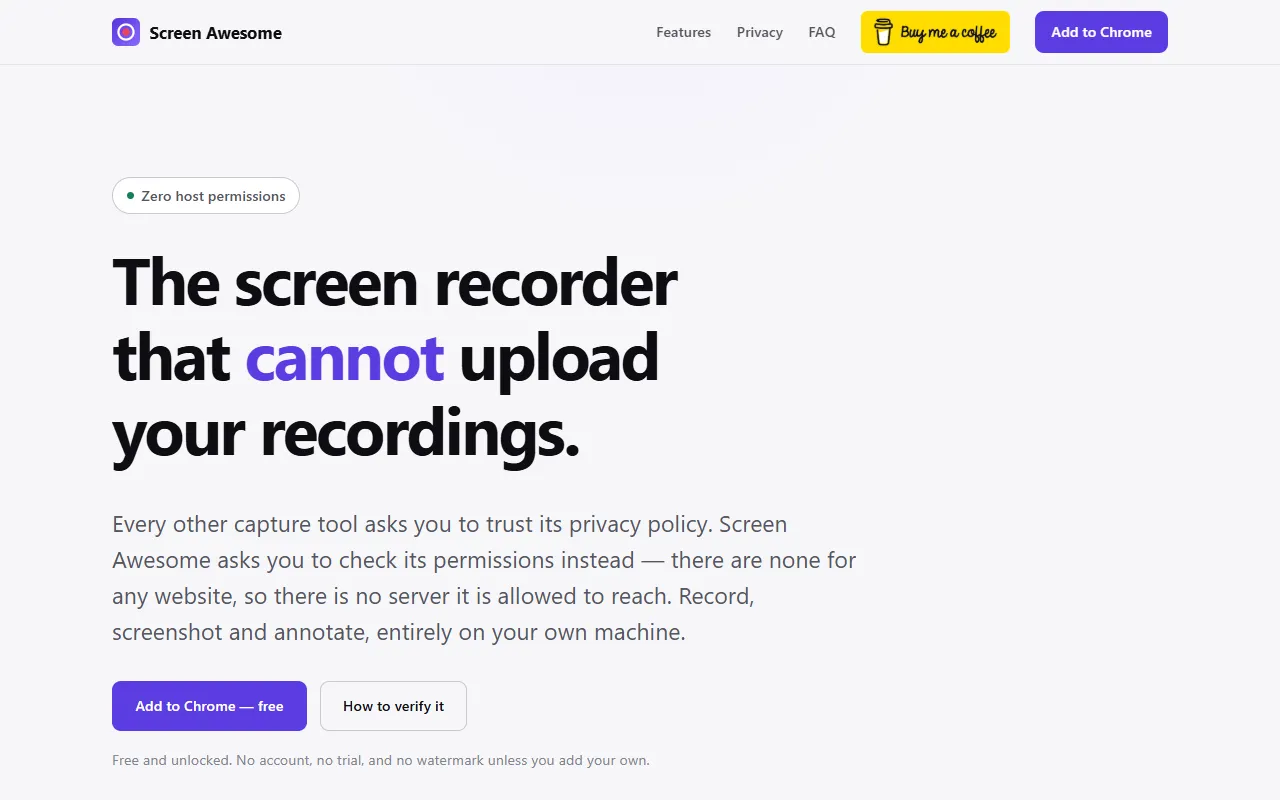
What is Screen Awesome?
Screen Awesome is a Video Editing tool. Free screen recorder and screenshot tool with local storage and annotations. It is available on Windows, macOS, Linux and Chrome. It is aimed at content creators, educators and presenters.
Free screen recorder and screenshot tool that records MP4 and annotates without uploading. Offers local-only storage, no account required, and includes features like automatic zoom, full-page scrolling, and editable annotations.
Built for content creators, educators and presenters.
Features
Screen, Tab and Camera Recording
MP4 Recording with WebM Fallback
Automatic Zoom to Mouse Clicks
Full-Page Scrolling Screenshots
Free Annotation Tools
Provides tools for blurring and redacting content.
Editable Annotations
Allows editing of annotations with full keyboard control.
Presentation Frames
Adds padding, backdrops, and browser chrome to recordings.
Watermarking
Adds custom text or logo watermarks.
Export as PNG
Export as WebP
Export as PDF or GIF
Local-Only Storage
Stores all data locally without requiring an account.
Use cases
- Record screen, tab, and camera activity
- Capture full-page scrolling screenshots
- Add custom watermarks to screenshots
- Export screenshots as PNG, WebP, PDF, or GIF
- Edit annotations with full keyboard control
- Automatically zoom to mouse clicks during recordings
Popular use cases
Who it's for
Pros & cons
Pros
- No account required
- Local-only storage
- Free to use
- No upsells or paid features
Cons
No documented limitations yet.
FAQ
What is Screen Awesome?
Screen Awesome is a Video Editing tool. Free screen recorder and screenshot tool with local storage and annotations. Free screen recorder and screenshot tool that records MP4 and annotates without uploading. Offers local-only storage, no account required, and includes features like automatic zoom, full-page scrolling, and editable annotations.
What platforms does Screen Awesome support?
Screen Awesome is available on Windows, macOS, Linux and Chrome.
Who should use Screen Awesome?
Screen Awesome is built for content creators, educators and presenters. Common uses: record screen, tab, and camera activity, capture full-page scrolling screenshots, add custom watermarks to screenshots and export screenshots as PNG, WebP, PDF, or GIF.
What are the best alternatives to Screen Awesome?
Similar tools on AiByts include Highlight Studio, Snapr, Wavel AI, Wondershare Filmora and Arsaze.
Details are compiled from Screen Awesome's website and public sources, last verified Oct 5, 2026. Features and pricing change — confirm on the official site before you buy.
Try Screen Awesome
Visit the official website
Tags
- Screen Recording
- Local Storage
- Annotation Tools
- Watermarking
Comments
Sign in to join the discussion.