

Supercut
Screen recorder for teams to record, edit, and share workflows.
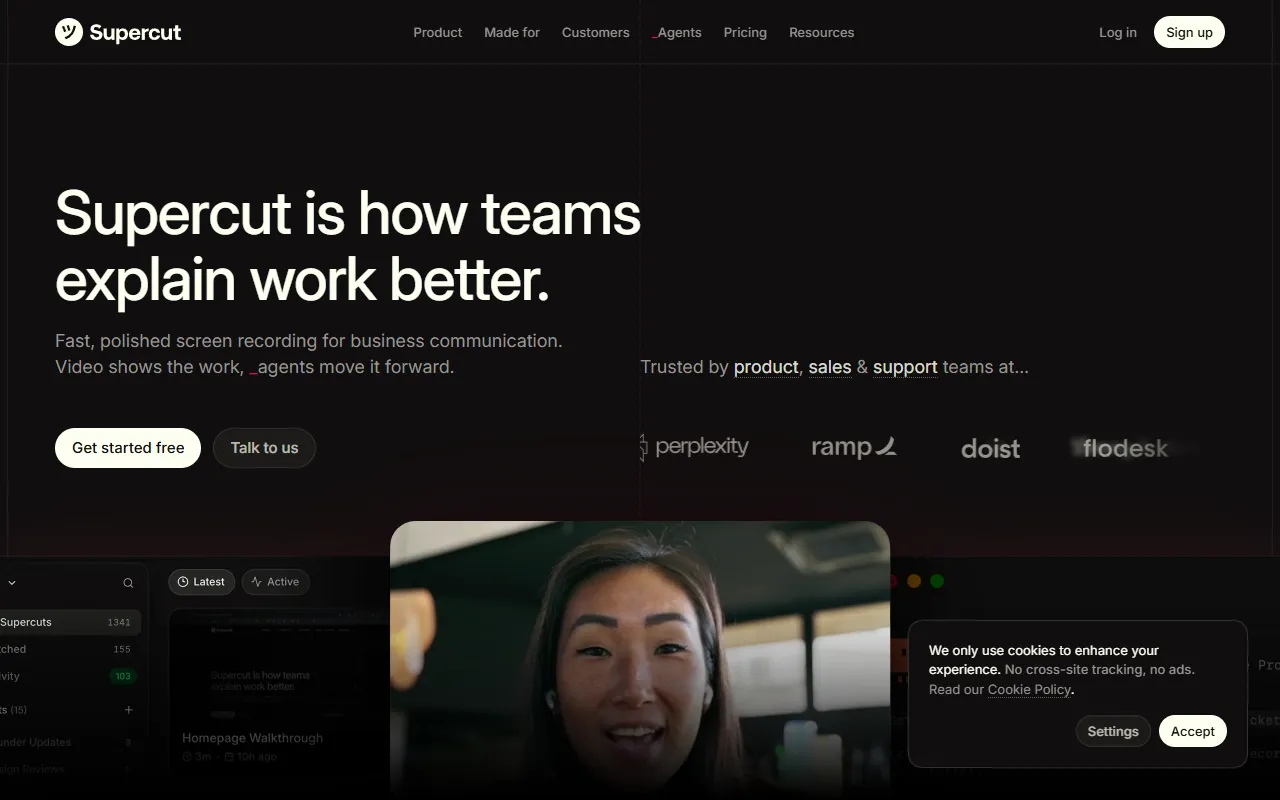
What is Supercut?
Supercut is a Screen Recording tool. Screen recorder for teams to record, edit, and share workflows. Supercut is a paid tool. A free trial is available. It is available on macOS, Web App and Windows. It is aimed at teams, professionals and enterprise users.
Supercut is a screen recorder designed for teams to record, edit, and share workflows. It allows users to remove filler words, silences, and repetitive follow-ups using AI. The tool is suitable for professionals needing efficient communication and collaboration.
Built for teams, professionals and enterprise users.
Features
Skip Meeting
Send a video message instead of a meeting.
Capture Detail
Record everything smoothly.
Share Instantly
Share a link to appear professional.
Polish Further
Enhance the production quality.
Move Work Forward
Transition from viewing to action.
Effortless
Professional
Smart Design
Enterprise Ready
Compliant with SOC2, ISO27001, and GDPR.
Use cases
- Skip your next meeting by sending a video message
- Capture every detail by recording smoothly
- Share instantly to appear professional
- Polish further to enhance production quality
- Move work forward from view to action
- Effortlessly use the tool for ease of use
Popular use cases
Who it's for
Pros & cons
Pros
- Public API available
- Free trial available
- SOC2, ISO27001, and GDPR compliance
Cons
- No free plan available
Pricing
Paid. Free trial available.
See current pricing on Supercut's website (opens in a new tab)Developer & API
Public REST API available
- Authentication
- Bearer Token, Oauth2
- SDKs
- Python, Node.js, Ruby, PHP
Security & compliance
- SOC 2
- ISO 27001
- GDPR
- SSO
- SAML
- Encryption
- Data deletion
As stated on Supercut's website — not independently verified by AiByts.
FAQ
What is Supercut?
Supercut is a Screen Recording tool. Screen recorder for teams to record, edit, and share workflows. Supercut is a screen recorder designed for teams to record, edit, and share workflows. It allows users to remove filler words, silences, and repetitive follow-ups using AI. The tool is suitable for professionals needing efficient communication and collaboration.
Is Supercut free?
No, Supercut is a paid tool. A free trial is available.
How much does Supercut cost?
Supercut is a paid tool. A free trial is available.
Does Supercut have an API?
Yes, Supercut offers a public REST API for building custom integrations.
What platforms does Supercut support?
Supercut is available on macOS, Web App and Windows.
Who should use Supercut?
Supercut is built for teams, professionals and enterprise users. Common uses: skip your next meeting by sending a video message, capture every detail by recording smoothly, share instantly to appear professional and polish further to enhance production quality.
What does Supercut integrate with?
Supercut integrates with Anthropic and VS Code.
What are the best alternatives to Supercut?
Similar tools on AiByts include FocuSee, Archivarix Tube Search, AutoShorts, Based AI and Clipwing.
Details are compiled from Supercut's website and public sources, last verified Oct 2, 2026. Features and pricing change — confirm on the official site before you buy.
Try Supercut
Paid
Comments
Sign in to join the discussion.