

NotchMind
Turns MacBook notch into a home for music, files, clipboard history, timers, and 28 tools
What is NotchMind?
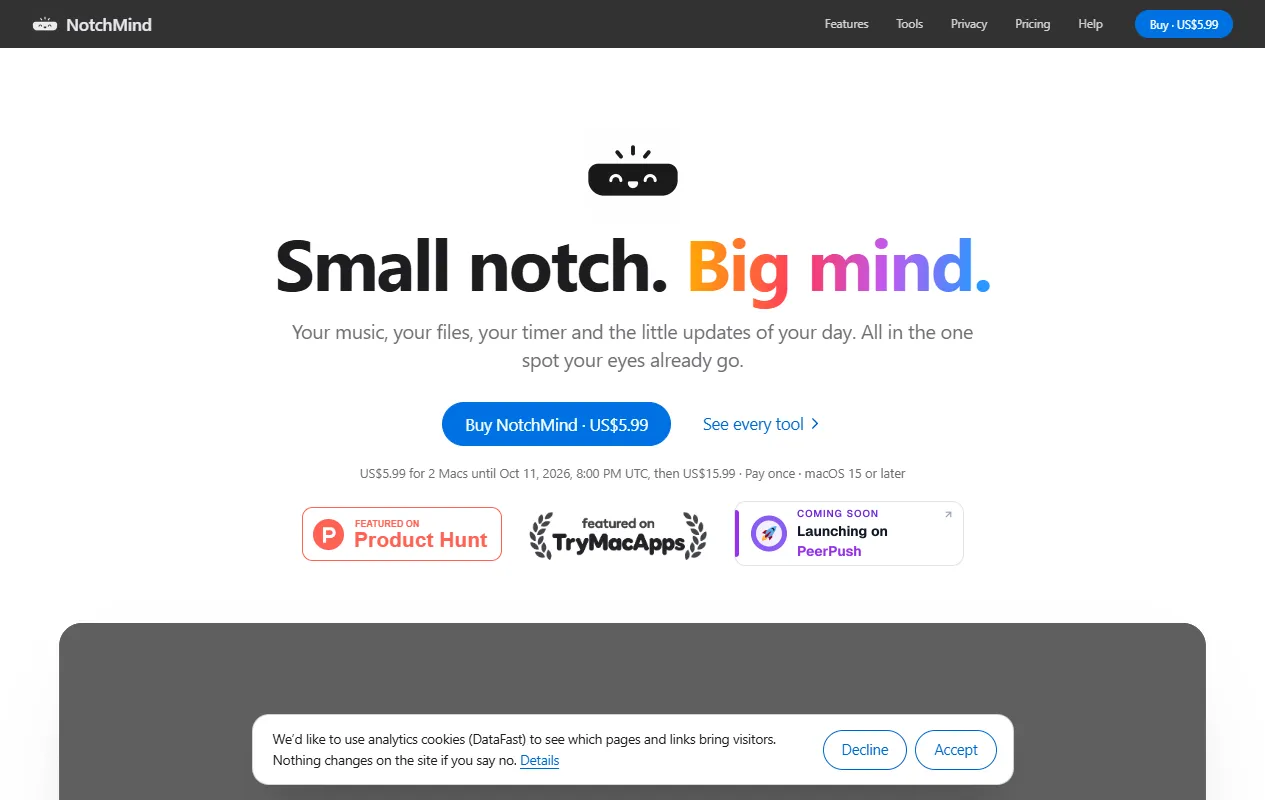
NotchMind is a Time Management tool that turns MacBook notch into a home for music, files, clipboard history, timers, and 28 tools. It is available on macOS. It is aimed at developers and productivity enthusiasts.
NotchMind transforms the MacBook notch into a centralized hub for music, files, clipboard history, timers, downloads, and 28 everyday tools. It is a native macOS app with a one-time purchase model.
Built for developers and productivity enthusiasts.
Key capabilities
Features
Clipboard History
Stores copied text, passwords, and API keys securely
Secret Guard
Prevents sensitive data from appearing in clipboard history
Timers
Tracks time for tasks and activities
Downloads
Manages file downloads
Music Player
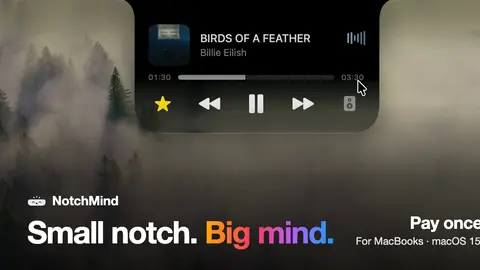
Plays music directly from the notch
File Manager
Accesses and manages files
Use cases
- Manage file downloads from the MacBook notch
- Track time using built-in timers
- Play music through the notch interface
Who it's for
Pros & cons
Pros
- One-time purchase model
- Public API available
Cons
No documented limitations yet.
Pricing
Free trial available.
See current pricing on NotchMind's website (opens in a new tab)Developer & API
Public API available
- Authentication
- API Key
FAQ
What is NotchMind?
NotchMind is a Time Management tool that turns MacBook notch into a home for music, files, clipboard history, timers, and 28 tools. NotchMind transforms the MacBook notch into a centralized hub for music, files, clipboard history, timers, downloads, and 28 everyday tools. It is a native macOS app with a one-time purchase model.
Does NotchMind have an API?
Yes, NotchMind offers a public API for building custom integrations.
What platforms does NotchMind support?
NotchMind is available on macOS.
Who should use NotchMind?
NotchMind is built for developers and productivity enthusiasts. Common uses: manage file downloads from the MacBook notch, track time using built-in timers and play music through the notch interface.
What are the best alternatives to NotchMind?
Similar tools on AiByts include Assist, Dayflow, Keepresso, AI for Productivity and Clockk.
NotchMind news & updates
How to find an app's bundle ID on a Mac
Find any Mac app's bundle identifier, like com.apple.Safari, with one Terminal command or from the app's Info.plist, and what you need it for.
NotchMind Blog3 min readDynamic Island for Mac: what it is and how to get it
The Mac has no Dynamic Island of its own, but notch apps add one: music, timers, calls and alerts around the camera. What it is and which apps do it.
NotchMind Blog4 min readHow to use Focus on a Mac: Do Not Disturb and beyond
Set up Focus on your Mac, choose who can still reach you, share it with your iPhone, and see at a glance which Focus is on.
NotchMind Blog3 min readHow to see download progress on a Mac without switching apps
Where to see a download's progress on a Mac: in Safari and Chrome, on the file in Finder, in the Dock, and in the MacBook notch.
NotchMind Blog3 min readHow to force quit an app on a Mac
Four ways to close a frozen app on a Mac: the Force Quit window, the Dock, Activity Monitor and Terminal, plus what to do if the whole Mac is stuck.
NotchMind Blog3 min readHow to see CPU and memory usage on a Mac at a glance
Ways to keep an eye on your Mac's CPU and memory: Activity Monitor's Dock icon, menu bar apps like Stats and iStat Menus, and live graphs in the notch.
NotchMind Blog3 min readWhat Full Disk Access means on a Mac
What the Full Disk Access permission lets a Mac app read, why backup tools and notification apps ask for it, and how to grant or take it back.
NotchMind Blog3 min readHow to check your MacBook's battery health
See your MacBook's battery condition, maximum capacity and cycle count, what the numbers mean, and settings that help the battery last longer.
NotchMind Blog3 min readClipboard history on Mac: every way to get it in 2026
How to see clipboard history on a Mac: the new Spotlight clipboard in macOS Tahoe, free apps like Maccy and Raycast, and NotchMind, with what each keeps.
NotchMind Blog4 min readHow to check your Claude Code usage on a Mac
Four ways to see how much Claude Code you've used: built-in slash commands, your Claude account, the ccusage tool, and a live view in the MacBook notch.
NotchMind Blog4 min readHow to stop (or start) AirPods switching between your Mac and iPhone
AirPods move between your Apple devices automatically. How to control that on your Mac, and how to send sound to them by hand when you want.
NotchMind Blog3 min readThe best Mac notch apps in 2026, compared honestly
Ten MacBook notch apps compared on price, trial, Macs per license and features, from each maker's own site. Written by the maker of one of them.
NotchMind Blog8 min readHow to convert HEIC to JPG on a Mac without uploading anything
Five ways to turn iPhone HEIC photos into JPG on a Mac, all offline: Finder's Convert Image, Preview, Photos, the sips command and the notch.
NotchMind Blog4 min readHow to safely eject a USB drive on a Mac
Every way to eject a USB stick, SSD or SD card on a Mac, how to tell it's safe to unplug, and what to do when macOS says the disk is in use.
NotchMind Blog3 min readEvery way to AirDrop from a Mac, including from the notch
How to AirDrop files from a Mac: Finder, the Share menu, Control Centre settings, and dragging files to the MacBook notch. Plus what to do when it fails.
NotchMind Blog4 min readHow to check your AirPods battery on a Mac
Four ways to see your AirPods battery on a Mac: the Bluetooth menu, Control Centre, the Batteries widget, and the MacBook notch when they connect.
NotchMind Blog3 min readBluetooth not working on a Mac? Try these fixes
Fix AirPods, keyboards and mice that won't connect to a Mac: toggle Bluetooth, forget and re-pair the device, and restart the Bluetooth service.
NotchMind Blog3 min readHow to check your Codex usage and limits on a Mac
See how much of your Codex 5-hour and weekly limits you've used: inside Codex, in your ChatGPT account, and live in the MacBook notch while it works.
NotchMind Blog3 min read
Details are compiled from NotchMind's website and public sources, last verified Oct 6, 2026. Features and pricing change — confirm on the official site before you buy.
Try NotchMind
Visit the official website
Comments
Sign in to join the discussion.